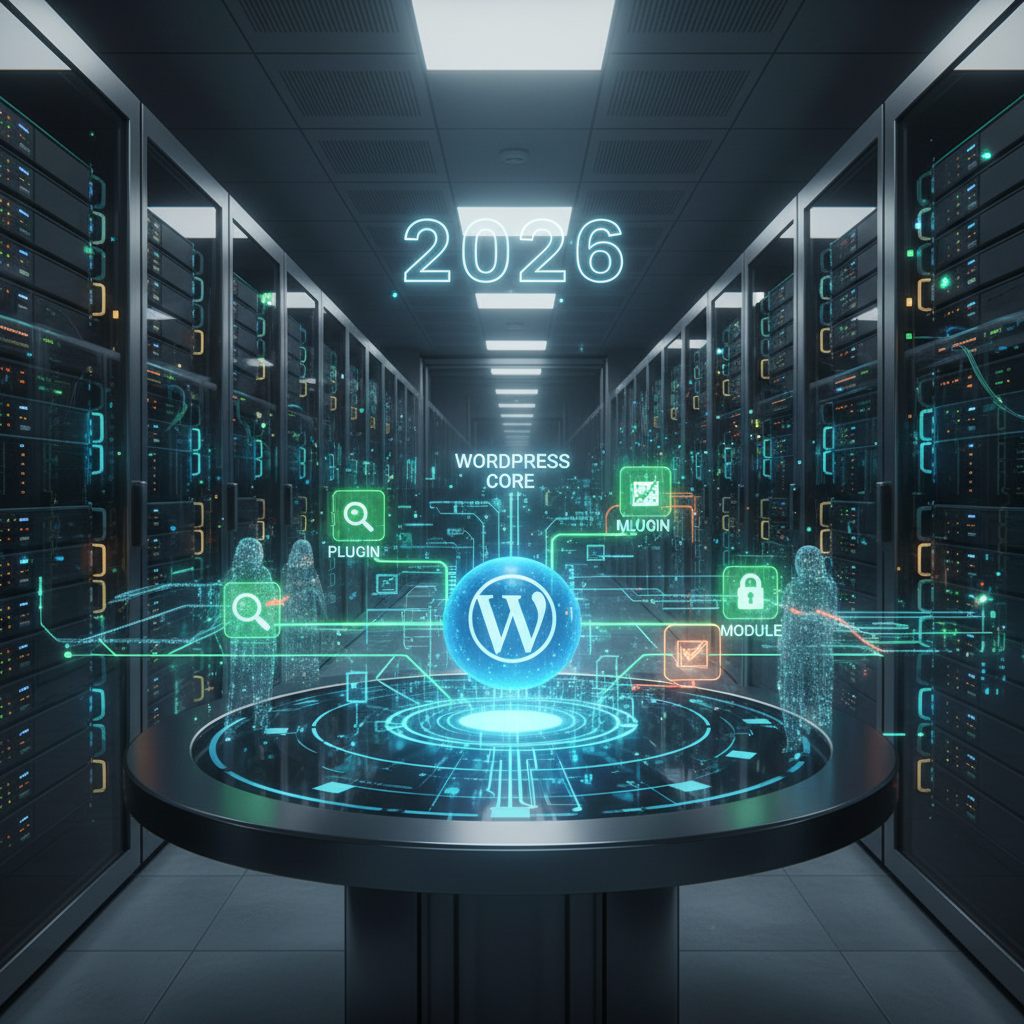
WordPress Digital Forensics 2026: Unmasking Threats in WordPress Plugins
In the ever-evolving digital landscape of 2026, the necessity for robust WordPress Digital Forensics 2026 has never been more critical, especially when dealing with the vast and often complex ecosystem of WordPress plugins. As websites become increasingly reliant on these extensions for functionality and performance, they inherently introduce new potential vulnerabilities. Our focus today is to delve deep into how digital forensics and incident response (DFIR) methodologies are applied to scrutinize, identify, and mitigate risks originating from WordPress plugins, ensuring the security and integrity of your online presence.
The Evolving Threat Landscape for WordPress Digital Forensics 2026
WordPress powers over 43% of all websites on the internet, making it a prime target for malicious actors. Plugins, while offering incredible utility, often serve as the weakest link in a website’s security chain. In 2026, we're seeing more sophisticated attacks, including supply chain compromises targeting popular plugin developers and zero-day exploits being actively traded.
Understanding these contemporary threats is the first step towards effective WordPress Digital Forensics 2026. It's not just about patching known vulnerabilities; it's about anticipating and detecting novel attack vectors that exploit plugin weaknesses. For insights into related security concerns, explore The Silent Compilers: Unmasking Cross-Compilation & Binary Injection Risks in WordPress Plugins (2026).
Outdated Code and Insecure Configurations
One of the most persistent threats stems from neglected plugins. Many site owners install a plugin and then forget to update it. Outdated code often contains publicly known vulnerabilities that attackers can easily exploit. Insecure configurations, whether by design or user error, also pave the way for unauthorized access.
- Failure to update plugins regularly.
- Leaving default settings unhardened.
- Using deprecated functions in custom plugin development.
Excessive Permissions and Third-Party Dependencies
Plugins often request more permissions than they actually need to function, creating unnecessary attack surfaces. Furthermore, many plugins rely on third-party libraries or APIs. A vulnerability in one of these dependencies can compromise the entire plugin, and by extension, the WordPress site. For a deeper dive into how plugins can dictate your site's underlying infrastructure, consider reading The Silent Conductors: How WordPress Plugins Dictate Your Site's Microservices Architecture in 2026.
- Plugins requesting 'administrator' level access when 'editor' or 'contributor' would suffice.
- Unvetted third-party JavaScript libraries or external API calls.
- Lack of supply chain security audits for included components.
Core Principles of WordPress Digital Forensics 2026 in Plugin Analysis
Effective WordPress Digital Forensics 2026 for plugins involves a methodical approach to identifying compromise, understanding its scope, and eradicating the threat. This process is crucial for minimizing downtime and data loss, while simultaneously strengthening future defenses.
The principles extend beyond mere vulnerability scanning; they encompass deep code analysis, behavioral monitoring, and a comprehensive understanding of the WordPress core and plugin architecture. Understanding how plugins influence user behavior modeling can also offer forensic clues.
Initial Indicators of Compromise for Plugins
Recognizing the early signs of a compromised plugin is vital. These can range from subtle performance degradation to overt defacements. Timely detection is a cornerstone of effective incident response.
- Unexpected file changes within plugin directories.
- Unusual outbound network connections originating from the plugin.
- New, unknown administrator accounts appearing on the site.
- Error logs showing strange entries related to specific plugins.
- Redirects to malicious websites or unwanted pop-ups.
Deep Dive: Examining Plugin Code and Functionality
Once a suspicion arises, a forensic analyst must dive into the plugin's code. This involves reviewing its source for obfuscated malicious code, backdoors, or unintended behaviors. Static and dynamic analysis tools are invaluable in this stage.
- Static Code Analysis: Scanning for common vulnerabilities (e.g., SQL injection, XSS) and deprecated functions.
- Dynamic Analysis: Monitoring plugin behavior in a sandbox environment to detect malicious activities.
- Version Control Review: Comparing current plugin files with trusted versions to identify tampering.
Incident Response Strategies for Plugin-Related Breaches
Having identified a compromised plugin through robust WordPress Digital Forensics 2026, the next step is to execute a well-defined incident response plan. This involves containment, eradication, recovery, and post-incident analysis.
A swift and strategic response can prevent further damage, restore site functionality, and provide valuable insights for preventing similar incidents in the future. It’s an iterative process of learning and adaptation.
Containment: Isolating the Threat
The immediate priority is to prevent the attack from spreading further. This might involve temporarily deactivating the compromised plugin, isolating the affected website, or even taking the site offline if the threat is severe enough. This aligns with modern strategies for micro-virtualization and sandboxing for enhanced security.
- Deactivate and delete the malicious plugin immediately.
- Implement web application firewall (WAF) rules to block known attack patterns. For more on web security, a great resource can be found at OWASP Foundation.
- Change all associated passwords, especially administrator and database credentials.
Eradication & Recovery: Cleaning Up and Restoring
After containment, the goal is to completely remove all traces of the compromise and restore the site to a clean state. This often involves restoring from a clean backup, but not before ensuring the backup itself is not compromised.
- Thoroughly scan the entire WordPress installation for remaining malware.
- Restore the website from a clean backup taken prior to the compromise (if available).
- Re-secure all user accounts and review access logs for suspicious activity.
- Update all WordPress core files, themes, and plugins to their latest versions.
Post-Incident Analysis: Learning from the Breach
The incident isn't truly over until a comprehensive post-mortem analysis has been conducted. This step is crucial for strengthening defenses and improving future incident response capabilities, thereby refining your WordPress Digital Forensics 2026 strategy.
- Identify the root cause of the compromise, specifically pinpointing the plugin vulnerability.
- Document the entire incident, including response actions and lessons learned.
- Update security policies and procedures based on the findings.
- Implement additional security measures, such as enhanced monitoring and regular security audits. For detailed guidelines on incident response, check out resources from the NIST Cybersecurity Framework.
Best Practices for Proactive WordPress Digital Forensics 2026
Prevention is always better than cure. By adopting proactive measures, website owners can significantly reduce their risk exposure and streamline any potential WordPress Digital Forensics 2026 efforts. It’s about building a resilient security posture from the ground up.
These practices go hand-in-hand with effective forensic readiness, ensuring that if an incident does occur, you have the necessary logs and configurations to conduct a thorough investigation.
Vetting Plugins Before Installation
Exercise extreme caution when selecting and installing plugins. Always research a plugin's reputation, developer, and security history before adding it to your site. This simple step can prevent a multitude of issues.
- Check download statistics, last updated date, and review ratings.
- Read reviews for any reported security issues or compatibility problems.
- Prefer plugins from reputable developers with active support.
- Avoid nulled or pirated plugins at all costs.
Regular Security Audits and Monitoring
Implement a routine schedule for security audits and continuous monitoring. Automated tools, combined with manual inspections, can help detect vulnerabilities and suspicious activities before they escalate into full-blown breaches.
- Schedule regular penetration testing and vulnerability scanning.
- Use a robust WAF to filter malicious traffic.
- Implement file integrity monitoring to detect unauthorized changes.
- Monitor server and application logs for abnormal behavior.
Maintaining Comprehensive Backups
Reliable and frequently updated backups are a website owner's last line of defense. Ensure backups are stored securely, off-site, and are regularly tested for restorability. This is a crucial component of any robust WordPress Digital Forensics 2026 strategy.
- Automate daily or even hourly backups of your entire WordPress installation.
- Store backups in multiple secure, off-site locations. Consider leveraging WordPress Plugins Bridging the Gap to Decentralized Storage in 2026.
- Regularly test backup restoration processes to ensure their integrity.
The Future of WordPress Digital Forensics 2026
Looking ahead in 2026, the field of WordPress Digital Forensics 2026 will continue to evolve rapidly. We anticipate greater integration of AI and machine learning for anomaly detection, predictive threat intelligence specifically tailored for the WordPress ecosystem, and more advanced automated incident response frameworks. For insights into how AI is proactively optimizing performance, see The Silent Symbiotes: How WordPress Plugins Are Harnessing AI for Proactive Performance Optimization in 2026.
The focus will shift even further from reactive measures to proactive threat hunting and preventative security, driven by a deeper understanding of attacker methodologies and the intricate dependencies within WordPress plugins. A comprehensive overview of current cybersecurity trends and future outlook can be found at CISA (Cybersecurity and Infrastructure Security Agency).
Ultimately, a vigilant approach, continuous learning, and investment in sophisticated forensic tools will be paramount for anyone managing WordPress websites in the coming years. Securing plugins is securing the website itself.
Frequently Asked Questions

Written by Aras Akıncılar
Uzun yıllara dayanan WordPress deneyimine sahip bir siber güvenlik uzmanı olarak, eklenti ekosisteminin derinlemesine analizine odaklanıyorum. Güvenlik açıkları, performans düşüşleri ve uyumluluk sorunları üzerine hazırladığım makalelerle, WordPress kullanıcılarının sitelerini daha güvenli ve verimli hale getirmelerine yardımcı olmayı hedefliyorum.


