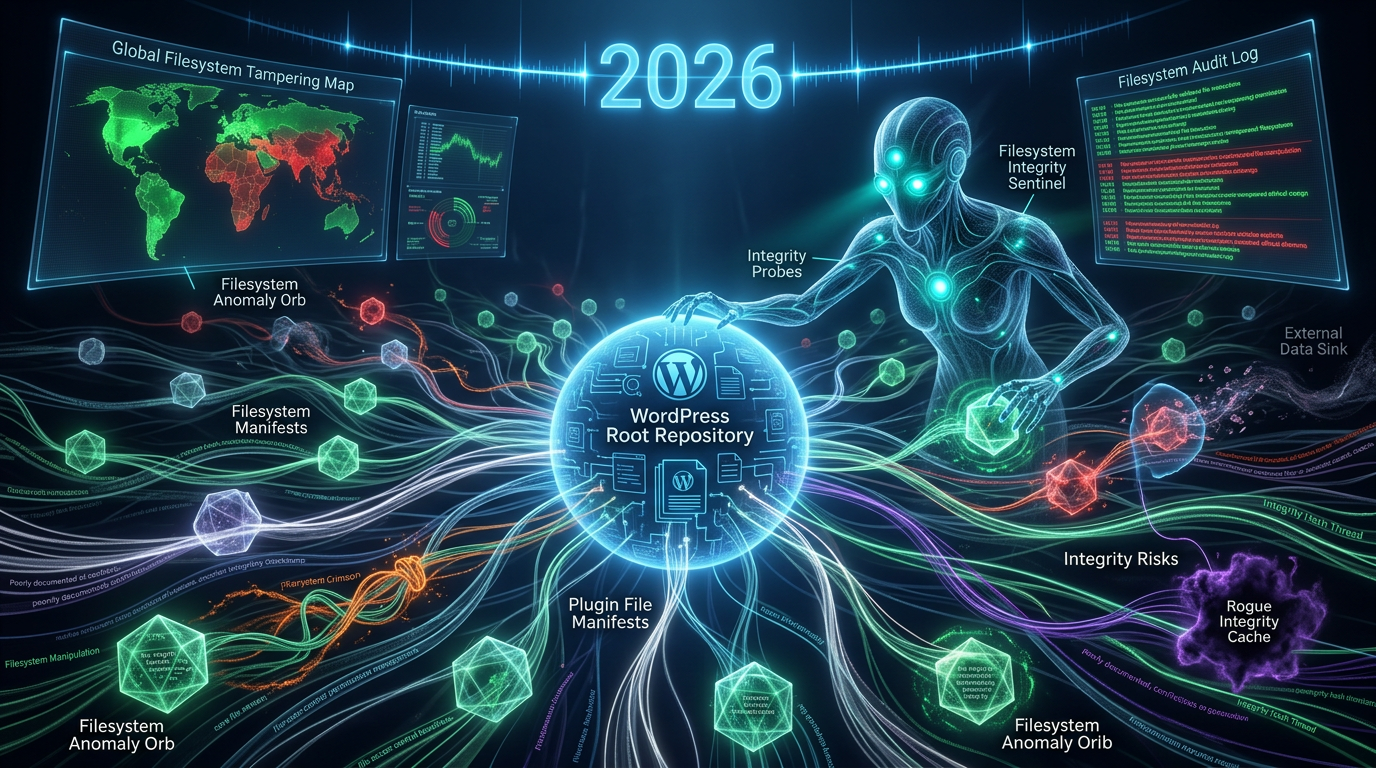
The File Forgers: Boosting WordPress Filesystem Security Against Plugin Manipulation in 2026
In the rapidly evolving digital landscape of 2026, maintaining robust WordPress filesystem security is more critical than ever, especially given the platform's reliance on a vast ecosystem of plugins. While plugins extend functionality and enhance user experience, they also represent a significant attack surface. Understanding how to properly audit these extensions for potential filesystem manipulation and integrity risks is paramount for any WordPress site administrator looking to safeguard their digital assets against malicious actors and unintentional vulnerabilities.
Every plugin interacts with your WordPress installation's core files, themes, and other plugins, often requiring specific permissions to write, read, or modify files. This inherent need for access creates potential entry points for security compromises if not properly managed. This article delves into the intricacies of plugin-related filesystem risks and outlines best practices for comprehensive auditing and proactive defense.

Understanding WordPress Filesystem Security and Plugin Interaction
The foundation of your WordPress site's integrity lies within its filesystem. This includes everything from the core WordPress files to themes, uploads, and, critically, plugin files. When a plugin is installed and activated, it gains the ability to interact with this filesystem, often performing operations like creating directories, writing configuration files, storing cached data, or even modifying existing WordPress core files if permissions allow and its code dictates.
This interaction, while necessary for functionality, introduces a layer of complexity. An insecurely coded plugin, or one with excessive permissions, can inadvertently or maliciously compromise the entire site. In 2026, cyber threats are increasingly sophisticated, making a thorough understanding of these interactions a non-negotiable aspect of site management.
How Plugins Interact with the Filesystem
Plugins typically interact with the filesystem in several ways:
- Creating and Modifying Files/Directories: Many plugins create their own directories within
wp-content/plugins/orwp-content/uploads/to store data, settings, or temporary files. - Writing to Database: While not direct filesystem interaction, plugins often store file paths or references in the database, which can be exploited if not sanitized.
- Including Other Files: Plugins often include other PHP files or libraries, which, if compromised, can execute malicious code.
- Managing User Uploads: Image galleries or file upload plugins directly handle user-generated content, making them prime targets for malicious file uploads.
Common Vectors for Filesystem Manipulation
Filesystem manipulation often occurs through:
- Insecure File Uploads: Allowing users to upload arbitrary file types (e.g., PHP scripts) can lead to remote code execution.
- Directory Traversal Vulnerabilities: Exploiting improper input validation to access or modify files outside of an intended directory.
- Insecure File Operations: Functions like
file_put_contents()orunlink()used without proper validation can be exploited to write or delete critical files. - Arbitrary File Inclusion: When an attacker can force the application to include a file, usually a PHP file, from a remote server or a local file system.
The Hidden Dangers: Plugin-Induced Integrity Risks to WordPress Filesystem Security
The risks introduced by plugins extend beyond direct malicious intent. Often, vulnerabilities arise from oversight, outdated practices, or reliance on unvetted third-party components. These can severely undermine your WordPress filesystem security, leading to data breaches, site defacement, or complete compromise. The implications of poor plugin security have only intensified in 2026, with automation and AI-driven attacks becoming more common.
One of the primary concerns is the potential for a plugin to introduce or exacerbate vulnerabilities that affect the filesystem. This can manifest as allowing unauthorized file uploads, exposing sensitive configuration files, or providing an avenue for an attacker to inject malicious code directly into the server's files.
Outdated Code and Insecure Configurations
A significant threat to filesystem integrity comes from outdated plugin code. Developers might discontinue support, leaving known vulnerabilities unpatched. Attackers actively scan for these weaknesses. Furthermore, insecure default configurations, such as allowing broad file permissions or storing sensitive data in publicly accessible directories, present clear integrity risks. Always ensure plugins are actively maintained and configured securely. For a deeper dive into these persistent issues, consider understanding the digital obsolescence and vendor stability risks associated with WordPress plugins.
For more insights into common web application vulnerabilities, refer to the OWASP Top 10, which regularly highlights crucial security risks that apply broadly to WordPress plugins and their interactions with the filesystem.
Excessive Permissions and Third-Party Dependencies
Plugins requesting excessive file permissions (e.g., 777 on directories) create glaring security holes, allowing any process or user to modify content, posing a direct threat to WordPress filesystem security. Moreover, many plugins incorporate third-party libraries or APIs. If these dependencies are not regularly updated or are themselves vulnerable, they can become a silent conduit for attackers to gain control over your filesystem without directly exploiting the main plugin code. Understanding dependency hijacking and class loading conflicts is crucial in this context.
- Principle of Least Privilege: Always configure file and directory permissions according to the principle of least privilege, giving plugins only the access they absolutely require.
- Dependency Management: Regularly audit plugin dependencies and ensure they are up-to-date and from reputable sources.

Auditing Plugins for Robust WordPress Filesystem Security
Proactive auditing is the bedrock of strong WordPress filesystem security. It's not enough to simply install a plugin and assume it's safe. Regular and thorough analysis, both manual and automated, is essential. This vigilance helps in identifying potential backdoors, insecure code practices, and integrity risks before they can be exploited.
An effective audit involves examining a plugin's code for common vulnerabilities that could lead to filesystem manipulation, such as insecure file handling functions, improper input validation, and unauthorized file access attempts. Given the current sophistication of cyber threats in 2026, this process should be an ongoing part of your WordPress security strategy.
Manual Code Review Techniques
For critical plugins or those from less known developers, a manual code review is invaluable. Key areas to inspect include:
- Input Validation: Check all user inputs, especially those affecting file paths or names, for proper sanitization and validation.
- File Operations: Scrutinize functions like
file_put_contents(),unlink(),move_uploaded_file(), andinclude()/require(). Ensure they operate within expected boundaries and only with validated inputs. - Permissions: Verify that the plugin does not attempt to set overly permissive file/directory permissions.
- External API Calls: Understand what external services the plugin communicates with and ensure these connections are secure (HTTPS) and data is handled responsibly. Further insights into covert outbound data transmissions and API call risks can enhance your auditing process.
Automated Security Scanning Tools
Supplement manual reviews with automated tools. Static Application Security Testing (SAST) tools can analyze plugin code for common vulnerabilities without executing it. Dynamic Application Security Testing (DAST) tools, on the other hand, test the running application for vulnerabilities. Integrating these into your development and deployment workflows is a smart move for 2026, providing continuous vigilance against new threats.
- Dedicated WordPress Scanners: Tools like WPScan or Sucuri can identify known plugin vulnerabilities.
- Generic SAST Tools: For custom plugins, generic SAST tools can identify broader code-level issues that could impact filesystem security. For a comprehensive list of prevalent software weaknesses, consult the SANS Top 25 Most Dangerous Software Errors.
Best Practices for Maintaining Filesystem Integrity in 2026
Beyond auditing, adopting a set of core best practices is essential for continuous protection of your WordPress filesystem security. These practices form a multi-layered defense, significantly reducing the likelihood of a successful attack that exploits plugin vulnerabilities.
From careful plugin selection to vigilant monitoring and robust backup strategies, each step contributes to a more secure WordPress environment. As the threat landscape evolves, these foundational principles remain the most effective deterrents against filesystem compromise.
Principle of Least Privilege
Apply the principle of least privilege rigorously. This means:
- File Permissions: Set appropriate file permissions (e.g., 644 for files, 755 for directories). The
wp-config.phpfile should be even more restricted (e.g., 640 or 600). The WordPress Codex provides clear guidance on recommended file permissions for optimal security. - User Roles: Assign users only the roles and permissions necessary for their tasks. Avoid giving administrator access unnecessarily.
- Plugin Permissions: Be wary of plugins requesting permissions that seem disproportionate to their stated functionality.
Regular Backups and Monitoring
Even with the most stringent security measures, breaches can occur. Regular, off-site backups are your final line of defense, ensuring you can restore your site to a clean state quickly. Couple this with continuous monitoring of your filesystem for unauthorized changes. Developing robust digital forensics and incident response strategies for WordPress plugins is a critical component of this vigilance.
- Automated Backups: Implement a robust automated backup solution for both your database and entire WordPress filesystem.
- File Integrity Monitoring (FIM): Use FIM tools or plugins that alert you to any unauthorized modifications to core WordPress files, themes, or plugins.
- Security Logs: Regularly review security logs for suspicious activity.
Future Trends in WordPress Filesystem Security
Looking ahead in 2026, the focus on WordPress filesystem security will continue to intensify. We can expect greater integration of AI and machine learning into security tools for predictive threat detection and anomaly identification. The shift towards serverless architecture and containerization for WordPress deployments might also alter how filesystem security is managed, potentially isolating applications more effectively.
Furthermore, the WordPress community will likely see increased emphasis on supply chain security for plugins, with more rigorous vetting processes and perhaps even blockchain-based integrity checks for plugin authenticity. Two-factor authentication (2FA) for plugin repository access and more granular API keys for external services will become standard, further hardening the ecosystem against filesystem-related exploits.
Conclusion
Safeguarding your WordPress site in 2026 demands a proactive and comprehensive approach to WordPress filesystem security, with a particular focus on plugin integrity. By understanding how plugins interact with your server's filesystem, recognizing common vulnerabilities, and implementing rigorous auditing processes alongside best practices like the principle of least privilege and regular backups, you can significantly mitigate the risks posed by malicious or poorly coded extensions.
The digital landscape is constantly evolving, and so must our security strategies. Remaining vigilant, educating oneself on the latest threats, and continuously reviewing your site's security posture are not just recommendations—they are necessities for anyone managing a WordPress website today.
Frequently Asked Questions

Written by Aras Akıncılar
Uzun yıllara dayanan WordPress deneyimine sahip bir siber güvenlik uzmanı olarak, eklenti ekosisteminin derinlemesine analizine odaklanıyorum. Güvenlik açıkları, performans düşüşleri ve uyumluluk sorunları üzerine hazırladığım makalelerle, WordPress kullanıcılarının sitelerini daha güvenli ve verimli hale getirmelerine yardımcı olmayı hedefliyorum.


