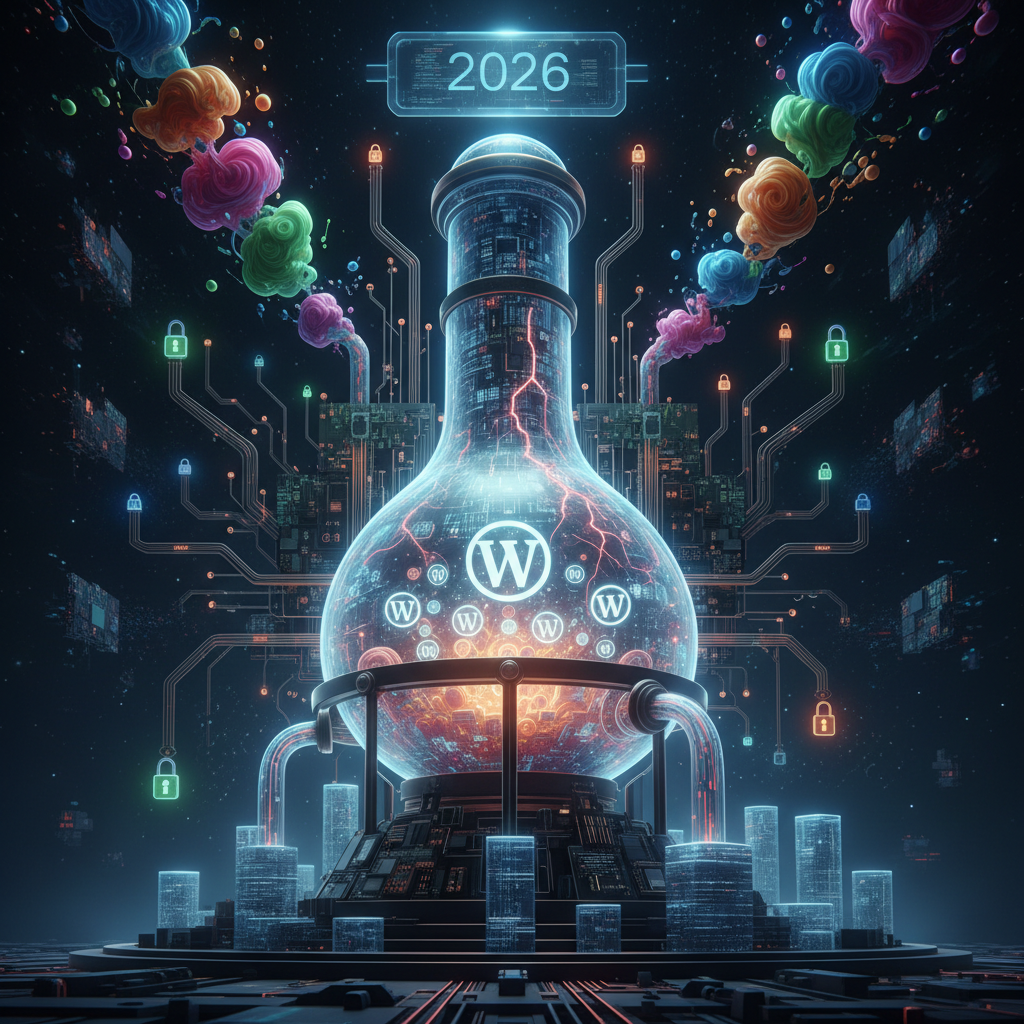
WordPress Plugin Data Format Security: Safeguarding Your Site in 2026
As we navigate the dynamic digital landscape of 2026, understanding WordPress plugin data format security has become more critical than ever. WordPress, powering over 43% of the internet, relies heavily on plugins to extend its functionality. These plugins often act as "silent alchemists," transforming, importing, and exporting data in various formats. This intensive data manipulation inherently introduces a unique set of security challenges that website administrators and developers must meticulously address to safeguard their digital assets and ensure robust WordPress plugin data format security.
Understanding Data Format Transformations and Their Security Impact
WordPress plugins frequently interact with data in a multitude of formats. For example, they might import user lists via CSV or exchange product information through XML or JSON. These transformations are central to their operation. However, each transformation phase presents potential vulnerabilities if not handled with robust security practices. Malicious actors can exploit weaknesses in parsing, validation, or serialization processes, directly impacting WordPress plugin data format security.
Consider a plugin designed for bulk content imports. If it fails to properly sanitize incoming data, a specially crafted input in a CSV file could lead to SQL injection or cross-site scripting (XSS) vulnerabilities. This highlights the delicate balance between functionality and robust WordPress plugin data format security. For more on how plugins affect the foundational aspects of your site, explore articles like The Silent Weavers: How WordPress Plugins Shape Code Quality & Maintainability in 2026.
Common Data Formats Handled by WordPress Plugins
- JSON (JavaScript Object Notation): Widely used for API interactions and data exchange due to its lightweight nature and human readability.
- XML (Extensible Markup Language): Traditionally used for data serialization and configuration files; still prevalent in many legacy integrations.
- CSV (Comma Separated Values): Popular for simple tabular data import/export, such as user lists or product catalogs.
- YAML (YAML Ain't Markup Language): Gaining traction for configuration files due to its user-friendly syntax.
- Serialized PHP Arrays: WordPress's native method for storing complex data structures in the database, frequently manipulated by plugins.
Each of these formats requires specific handling. Any misstep can compromise WordPress plugin data format security. Developers must understand the inherent risks associated with parsing and generating these data types, especially when dealing with external, untrusted sources.
Key Security Vulnerabilities in Data Format Processing for WordPress Plugins
The act of processing different data formats is ripe with potential security pitfalls. As we move further into 2026, attackers are increasingly sophisticated, targeting fundamental data handling mechanisms. Neglecting these areas can lead to severe consequences, including data breaches, website defacement, and complete system compromise. Ensuring robust WordPress plugin data format security is paramount.
Ensuring robust validation and sanitization at every entry point is paramount. Plugins that don't rigorously check input data, regardless of its format, are essentially leaving a back door open for attackers. This is a critical component of maintaining strong WordPress plugin data format security at the API level.
Input Validation and Sanitization Flaws
One of the most common vulnerabilities arises from insufficient input validation and sanitization. When a plugin receives data (e.g., via a file upload, API call, or form submission), it must rigorously validate its structure, type, and content against expected parameters. Failure to do so can allow attackers to inject malicious code, directly undermining WordPress plugin data format security.
- SQL Injection: Occurs if CSV or JSON data contains unvalidated user input directly concatenated into database queries.
- XSS (Cross-Site Scripting): Happens when malicious scripts embedded within data formats are later rendered without proper escaping.
- Arbitrary File Upload: Occurs when a plugin processes file uploads (e.g., import files) and doesn't restrict file types or content, allowing malicious scripts to be uploaded.
Deserialization Vulnerabilities
Deserialization vulnerabilities are a particularly insidious threat in PHP-based systems like WordPress. When objects are serialized into a string (e.g., using serialize()) and then deserialized back into an object (using unserialize()), an attacker can manipulate the serialized string to trigger arbitrary code execution. You can learn more about these risks and how to manage them by exploring OWASP Top 10 A08: Software and Data Integrity Failures.
This is especially problematic when plugins store or exchange serialized PHP arrays through databases or files without adequate protection. Keeping an eye on how plugins handle serialized data is crucial for preventing these attacks and enhancing overall WordPress plugin data format security in dynamically adapting plugins.
XML External Entity (XXE) Attacks
While less common with modern JSON-centric APIs, plugins still process XML data. If an XML parser is not configured securely, it can be vulnerable to XXE attacks. This allows attackers to include external entities, potentially leading to information disclosure, server-side request forgery (SSRF), or even denial of service. This directly impacts WordPress plugin data format security when XML is involved.
Any plugin that imports or processes XML files from untrusted sources must disable external entity processing by default. This is a fundamental step in securing XML-handling components within the WordPress ecosystem.
Best Practices for Enhancing WordPress Plugin Data Format Security in 2026
Given the persistent threat landscape, adopting robust security practices is no longer optional for WordPress plugin development and administration. Consequently, proactive measures are essential to mitigate risks associated with data format transformations and strengthen WordPress plugin data format security.
It's about creating layers of defense, from the code level to how plugins are vetted and maintained. Implementing these best practices significantly strengthens the overall WordPress plugin data format security against digital supply chain risks.
For Plugin Developers: Secure Coding Guidelines
Developers hold a primary responsibility for ensuring WordPress plugin data format security through secure coding practices. Adhering to these guidelines is crucial for preventing vulnerabilities from the ground up.
- Whitelisting over Blacklisting: Always validate input against a whitelist of allowed characters, formats, and types, rather than trying to blacklist all known malicious patterns.
- Contextual Escaping: Escape all output based on its context (HTML, URL, JavaScript, attribute) to prevent XSS. Use WordPress's built-in escaping functions (
esc_html(),esc_attr(),esc_url(), etc.). - Prepared Statements: Use WordPress's
$wpdb->prepare()for all database queries to prevent SQL injection. - Disable External Entities in XML Parsers: Ensure
libxml_disable_entity_loader(true)is set when processing XML from untrusted sources. - Limit Deserialization: Avoid using
unserialize()on untrusted or user-supplied data. If unavoidable, implement strict validation before deserialization. - Regular Security Audits: Conduct regular code reviews and security audits, ideally by third-party experts, to identify potential vulnerabilities. Consider resources like the PortSwigger Web Security Academy for in-depth knowledge on deserialization vulnerabilities.
For Website Administrators: Plugin Selection and Management
Administrators play a crucial role in maintaining security by carefully selecting and managing plugins. The responsibility extends beyond installation to ongoing monitoring and maintenance. Therefore, a proactive approach to plugin management is an indispensable part of comprehensive WordPress plugin data format security. This includes evaluating the plugin's reputation, its update frequency, and the developer's commitment to security.
- Source from Reputable Developers: Download plugins only from the official WordPress plugin repository or trusted vendors with established security records.
- Read Reviews and Check for Vulnerabilities: Before installation, review plugin comments, check for reported vulnerabilities, and consult security advisories (e.g., WPScan database).
- Keep Plugins Updated: Always run the latest versions of plugins. Updates often include critical security patches for newly discovered vulnerabilities. For more insights on this, read The Silent Language of Updates: How WordPress Plugin Versioning & Deprecation Strategies Impact Your Site in 2026.
- Principle of Least Privilege: Do not grant plugins more permissions than absolutely necessary for their functionality. This is explored further in The Overlooked Gatekeepers: Unmasking Excessive Permissions in WordPress Plugins (2026).
- Regular Backups: Implement a robust backup strategy for your entire WordPress installation, including the database and files.
- Security Scans: Utilize security plugins that scan for known vulnerabilities, suspicious file changes, and potential malware.
The Future Landscape of WordPress Plugin Data Format Security
As 2026 progresses, the drive towards more secure web applications continues. Innovations in AI and machine learning are beginning to assist in identifying code vulnerabilities; nonetheless, the human element of secure coding remains paramount. We can expect an increased focus on supply chain security for plugins, meaning a deeper scrutiny of third-party libraries and dependencies used within plugins, all contributing to better WordPress plugin data format security.
Furthermore, the adoption of stricter data privacy regulations worldwide will put more pressure on plugins to handle personal data securely, irrespective of its format. Developers will need to integrate privacy-by-design principles more deeply into their data transformation processes.
The role of Web Application Firewalls (WAFs) will also become more pronounced, offering an additional layer of defense against known exploits targeting data format vulnerabilities. However, WAFs are not a silver bullet and should complement, not replace, secure coding practices within plugins.
Ultimately, a collaborative ecosystem where developers prioritize security, users make informed choices, and platforms like WordPress provide robust frameworks will define the future of WordPress plugin data format security. Regular education and awareness campaigns will also be vital in keeping both developers and administrators informed about emerging threats and best practices in 2026 and beyond.
Conclusion: Prioritizing WordPress Plugin Data Format Security
In conclusion, ensuring robust WordPress plugin data format security is a continuous and evolving challenge. Both developers and administrators must remain vigilant, adopting best practices for secure coding, diligent plugin selection, and ongoing maintenance. By prioritizing data format security, we can collectively build a more secure and resilient WordPress ecosystem for 2026 and the years to come, protecting valuable data from sophisticated threats.
Frequently Asked Questions

Written by Aras Akıncılar
Uzun yıllara dayanan WordPress deneyimine sahip bir siber güvenlik uzmanı olarak, eklenti ekosisteminin derinlemesine analizine odaklanıyorum. Güvenlik açıkları, performans düşüşleri ve uyumluluk sorunları üzerine hazırladığım makalelerle, WordPress kullanıcılarının sitelerini daha güvenli ve verimli hale getirmelerine yardımcı olmayı hedefliyorum.


