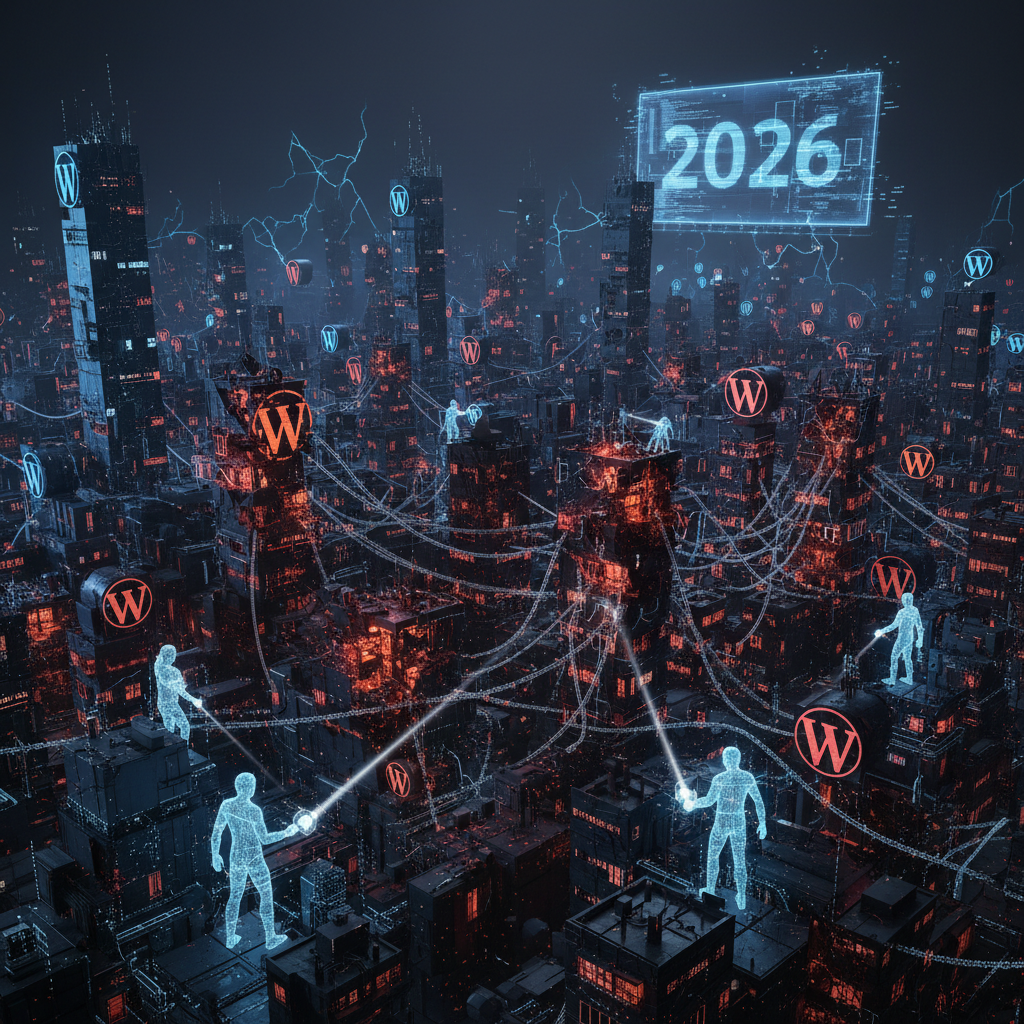
The Silent Auctioneers: Unmasking WordPress Plugin Digital Pollution in 2026
In the evolving digital landscape of 2026, the discussion around environmental impact often conjures images of factories and vehicles. However, a less visible but equally significant concern is emerging from our online activities, specifically what we call WordPress plugin digital pollution. This invisible byproduct stems from inefficient code, excessive resource consumption, and the cumulative digital waste generated by poorly optimized or superfluous plugins on WordPress websites. Understanding and mitigating this wordpress plugin digital pollution is crucial for a more sustainable web, and for maintaining secure, high-performing WordPress installations.
Understanding the Core of WordPress Plugin Digital Pollution
Digital pollution, in the context of WordPress plugins, refers to the unnecessary consumption of computational resources, energy, and storage space. This consumption is often a direct result of plugins that are not optimized, contain bloated code, or perform redundant functions. It’s the digital equivalent of leaving lights on in empty rooms, but on a global, interconnected scale.
Every server request, every database query, and every line of unoptimized JavaScript contributes to the overall energy expenditure required to render a web page. When multiplied by millions of WordPress sites, the environmental footprint becomes substantial. Our examination goes beyond mere performance; it delves into the ecological cost, echoing concerns about managing the environmental impact of WordPress plugins.
What Constitutes Digital Pollution from Plugins?
- Bloated Code: Plugins often come with features that a user may never need, but the code for these features is still loaded, processed, and maintained.
- Excessive Database Queries: Poorly written plugins can make numerous inefficient database calls, increasing server load and response times.
- Unoptimized Assets: Large, uncompressed images, JavaScript files, and CSS stylesheets served by plugins add to data transfer and storage needs.
- Redundant Functionality: Multiple plugins performing similar tasks lead to unnecessary resource consumption and potential conflicts.
- Outdated Code: Older plugins, not updated for modern web standards, can be less efficient and require more resources to run.
Addressing these factors is paramount not only for site performance but also for reducing the carbon footprint of the internet in 2026. For further insights into resource management, consider exploring how WordPress plugins compete for server resources. Understanding and reducing wordpress plugin digital pollution is key.
The Impact of Digital Pollution on Your WordPress Site and Beyond
The consequences of widespread WordPress plugin digital pollution extend far beyond just environmental concerns. Directly, these issues degrade your website's performance, user experience, and even its search engine rankings. Indirectly, the cumulative effect contributes to a larger digital waste problem that impacts data centers and global energy consumption.
Slow-loading websites due to plugin inefficiencies lead to frustrated visitors and higher bounce rates. Search engines, acutely aware of user experience, factor page speed into their ranking algorithms. Thus, managing plugin efficiency is not just a green initiative but a core SEO strategy for 2026, directly impacting how WordPress plugins shape SEO visibility.
Performance Degradation and User Experience
A website bogged down by digital pollution will load slowly. This directly impacts user experience, leading to higher bounce rates and lower engagement. In an era where attention spans are shorter than ever, speed is a critical differentiator. Users expect instant gratification, and slow performance drives them away. Minimizing wordpress plugin digital pollution improves user experience.
Increased Hosting Costs and Server Load
More resource-intensive plugins mean higher server load. This can translate to increased hosting costs, especially for sites on limited shared hosting plans or those paying for dedicated resources. Efficient plugins reduce the demand on server CPUs, RAM, and disk I/O.
Security Vulnerabilities from Bloat
More code often means a larger attack surface. Bloated plugins with unused features can introduce security vulnerabilities that dedicated attackers might exploit. Simplifying your plugin stack not only reduces digital pollution but also strengthens your site's security posture, a topic explored further in discussions around excessive permissions in WordPress plugins.
Identifying and Auditing Sources of WordPress Plugin Digital Pollution
Proactively identifying the sources of digital pollution within your WordPress ecosystem is the first step towards mitigation. This involves a systematic audit of your installed plugins, evaluating their necessity, efficiency, and overall impact. Tools and methodologies are available to help website administrators make informed decisions about their plugin choices in 2026.
Regular auditing is not a one-time task but an ongoing process. As plugins are updated, new features are added, or your website's needs change, so too does the potential for digital pollution. A clean, efficient WordPress site is a continuously maintained site, free from excessive wordpress plugin digital pollution.
Tools and Techniques for Plugin Auditing
- Performance Monitoring Tools: Use tools like Google PageSpeed Insights, GTmetrix, and Pingdom to identify slow-loading assets and scripts often linked to plugins. You can learn more about these tools and efficient website management from resources like Google's Core Web Vitals documentation.
- Query Monitor Plugin: This WordPress plugin displays database queries, HTTP API calls, and other debugging information, helping pinpoint resource-intensive plugins.
- Code Snippet Managers: Instead of full plugins for minor functions, consider using code snippets to add specific functionality, reducing overhead.
- Manual Review: Periodically review your plugin list. Ask yourself: "Is this plugin truly essential? Is there a more lightweight alternative?"
- Developer Documentation: Consult plugin documentation for insights into their performance characteristics and potential resource implications. For example, the WordPress Plugin Handbook offers guidelines for developers.
Best Practices to Combat WordPress Plugin Digital Pollution in 2026
Combating digital pollution requires a conscious effort in plugin selection and maintenance. By adopting a set of best practices, WordPress users can significantly reduce their digital footprint while simultanously enhancing site performance and security. This proactive approach benefits everyone: the website owner, the user, and the environment.
Making informed choices about plugins isn't just about functionality; it's about efficiency, longevity, and sustainability. Prioritize plugins that are well-coded, actively maintained, and offer only the features you truly require.
Strategic Plugin Selection and Management
- Choose Lightweight Alternatives: Whenever possible, opt for plugins known for their efficiency and minimal resource footprint. Read reviews and benchmarks.
- Consolidate Functionality: Avoid installing multiple plugins that perform overlapping functions. Look for comprehensive solutions where appropriate, but ensure they aren't bloated themselves.
- Keep Plugins Updated: Developers often release updates that include performance improvements and bug fixes. Staying current is key, and understanding plugin lifecycle and maintenance is vital.
- Remove Unused Plugins: Deactivate and delete any plugins that are no longer in use. Even deactivated plugins can sometimes leave residual code or database entries.
- Prioritize Essential Plugins: Distinguish between "must-have" and "nice-to-have" plugins. Every additional plugin adds a layer of complexity and potential for pollution.
- Lazy Loading & Deferring: Implement techniques like lazy loading for images and deferring non-critical JavaScript to improve initial page load times, often facilitated by optimization plugins. Consult resources like MDN Web Docs on Lazy Loading for technical details.
By adhering to these best practices for managing your WordPress plugin digital pollution, you contribute to a cleaner, faster, and more sustainable web presence.
The Future of Sustainable WordPress: Minimizing Your Digital Footprint
As we move further into 2026, the discussion around digital sustainability will only grow. The role of plugin developers and the choices of WordPress users both play a critical part in shaping a less polluting digital future. Empowering users with knowledge about WordPress plugin digital pollution is crucial for collective progress.
Consider supporting developers who prioritize clean code, performance, and resource efficiency. Their efforts contribute to a healthier internet ecosystem for everyone. The collective actions of millions of WordPress users can lead to a significant positive impact on global digital energy consumption.
Minimizing your digital footprint through careful plugin management is an investment in your website's future and the broader health of the internet. It's a testament to responsible online practices, demonstrating that functionality and sustainability can, and should, go hand-in-hand.
The battle against WordPress plugin digital pollution is ongoing, but with awareness, tools, and best practices, every WordPress site owner can be a part of the solution.
Frequently Asked Questions

Written by Aras Akıncılar
Uzun yıllara dayanan WordPress deneyimine sahip bir siber güvenlik uzmanı olarak, eklenti ekosisteminin derinlemesine analizine odaklanıyorum. Güvenlik açıkları, performans düşüşleri ve uyumluluk sorunları üzerine hazırladığım makalelerle, WordPress kullanıcılarının sitelerini daha güvenli ve verimli hale getirmelerine yardımcı olmayı hedefliyorum.