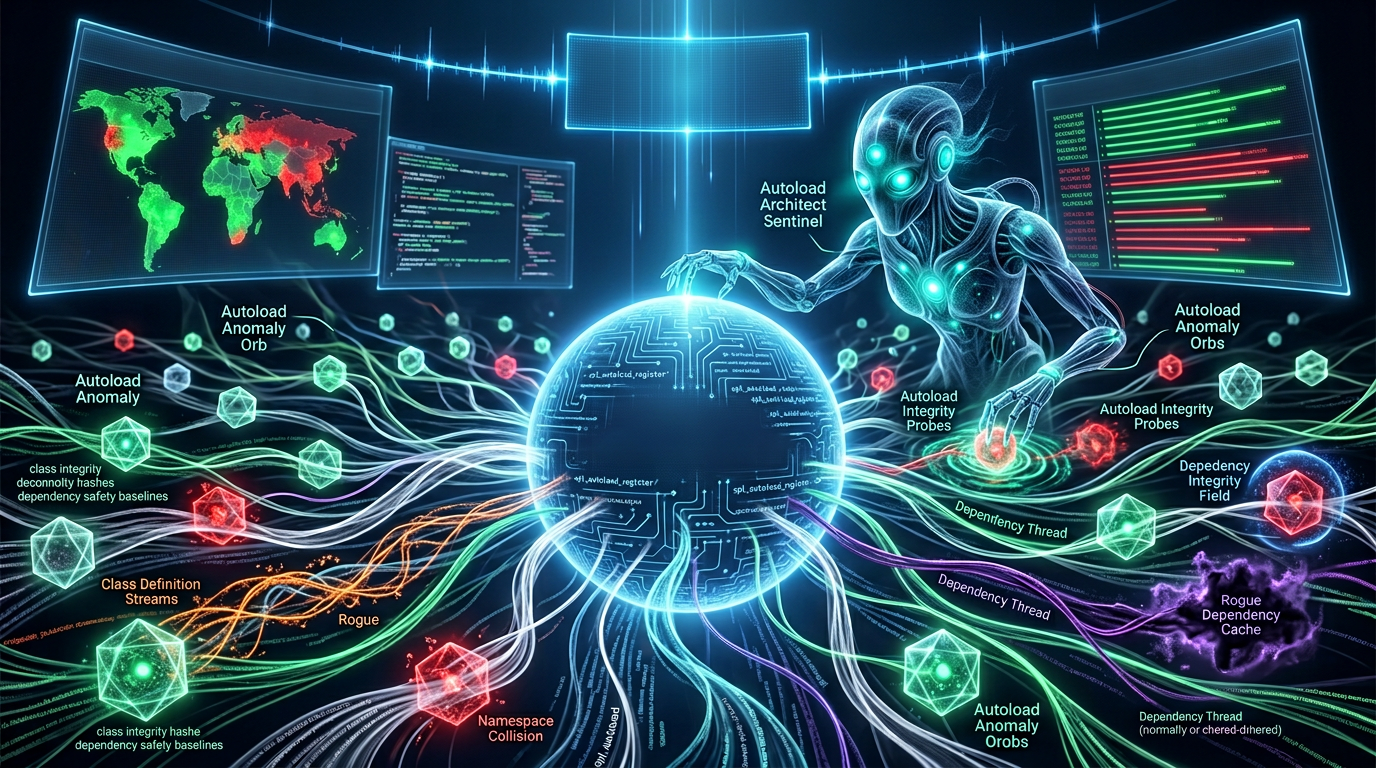
The Silent Upgrade: Uncovering Hidden WordPress Plugin Dependencies and Their Impact on WordPress in 2026
In the evolving landscape of web development, understanding WordPress plugin dependencies is more crucial than ever, especially as we navigate the complexities of 2026. These unseen connections between plugins, themes, and even core WordPress functionalities can significantly impact a website's performance, security, and stability. Ignoring them can lead to unexpected errors, conflicts, or even complete site breakdowns.
Understanding the Intricacies of WordPress Plugin Dependencies
Every WordPress website is a finely tuned machine, with each plugin acting as a vital component. However, many plugins don't operate in isolation; they often rely on other software elements to function correctly. These relationships are what we refer to as WordPress plugin dependencies.
Dependencies can be explicit, clearly stated in a plugin's documentation or required during installation. More often, they are implicit, stemming from shared libraries, frameworks, or even specific versions of PHP. Recognizing these connections is the first step towards a healthier, more robust WordPress environment.
What Exactly Are Dependencies in WordPress?
- Core WordPress Version: Many plugins require a minimum or maximum WordPress core version to ensure compatibility and leverage specific functionalities.
- PHP Version: Plugins, especially those developed recently, often require a particular PHP version to run efficiently and securely. Older PHP versions can lead to security vulnerabilities and performance bottlenecks.
- Other Plugins: Some plugins extend the functionality of others, making them dependent on the presence and proper functioning of their parent plugin. Examples include add-ons for popular page builders or e-commerce solutions.
- External Libraries/APIs: Plugins may integrate with third-party services or use external code libraries that are not part of the WordPress core. These represent another layer of potential WordPress plugin dependencies.
- Database Tables: Certain plugins create and rely on their own database tables, making their operation dependent on the availability and integrity of this data.
The Hidden Risks of Unmanaged WordPress Plugin Dependencies in 2026
As we move further into 2026, the potential for issues arising from unmanaged WordPress plugin dependencies continues to grow. Each dependency introduces a new point of potential failure, making proactive management essential for site administrators.
Neglecting these dependencies can lead to a cascade of problems, ranging from minor glitches to significant security breaches. Understanding WordPress plugin security risks is paramount for maintaining a secure and high-performing website.
Performance Degradation and Speed Issues
When multiple plugins call the same dependent script or library inefficiently, it can lead to unnecessary resource consumption. This often manifests as slower page load times, higher server load, and a suboptimal user experience. Outdated dependencies or conflicts between different versions of the same library can exacerbate these performance issues. For a deeper dive into balancing speed and security, read our article on WordPress Plugin Performance & Security Trade-offs in 2026.
Security Vulnerabilities and Exposure
One of the most critical aspects of WordPress plugin dependencies is their impact on security. If a dependent library or another plugin has a known vulnerability, any plugin relying on it effectively inherits that vulnerability. This creates a backdoor for attackers, even if the primary plugin itself is well-coded.
Regular security audits and keeping all components, including dependencies, up-to-date are crucial for mitigating these risks in 2026. The increasing sophistication of cyber threats demands a holistic approach to WordPress plugin protection. Learn more about WordPress Plugin Supply Chain Risks in 2026.
Compatibility Conflicts and Website Breakdowns
Perhaps the most immediate and frustrating consequence of dependency issues is compatibility conflicts. An update to one plugin, theme, or even WordPress core itself, can break its dependent counterparts, leading to error messages, broken layouts, or a complete inability to access the website. These conflicts can be challenging to diagnose and resolve without a deep understanding of the underlying dependencies.
Best Practices for Managing WordPress Plugin Dependencies
Mitigating the risks associated with WordPress plugin dependencies requires a proactive and informed approach. By adopting best practices, website owners and developers can significantly improve the stability, security, and performance of their WordPress installations.
Effective management is not just about identifying existing dependencies but also about preventing new issues from arising. This involves careful plugin selection, regular maintenance, and diligent monitoring. A good starting point is our guide on Essential Plugin Auditing Strategies for 2026.
Strategic Plugin Selection and Evaluation
- Research Thoroughly: Before installing any plugin, research its reputation, update frequency, and known dependencies. Check reviews and support forums for common issues.
- Favor Well-Maintained Plugins: Prioritize plugins that are regularly updated and have active developer support. This reduces the likelihood of encountering outdated dependencies or security vulnerabilities.
- Evaluate Dependency Footprint: Look for plugins that minimize external dependencies or bundle them efficiently. Plugins that rely on many other components can introduce more complexity and potential conflict points.
- Read Documentation: Always review the plugin's official documentation for explicit dependency requirements.
Regular Updates and Environmental Maintenance
Keeping everything up-to-date is arguably the most important step in managing WordPress plugin dependencies. This includes not just your plugins and themes but also your WordPress core and, critically, your PHP version. Hosting providers often update PHP versions, so it's vital to ensure your site's components are compatible.
Before any major update, especially in 2026, always perform a full backup of your website and test the updates in a staging environment. This allows you to identify and resolve any dependency-related conflicts before they impact your live site.
Monitoring and Debugging Dependency Conflicts
Even with best practices in place, conflicts can occasionally arise. Tools like debug logs, health checks, and plugin conflict checkers can help identify the root cause of issues related to WordPress plugin dependencies. Familiarity with WordPress debugging techniques is invaluable for quickly pinpointing and resolving problems.
Tools and Resources for Identifying WordPress Plugin Dependencies
Navigating the complex web of WordPress plugin dependencies can be daunting, but several tools and resources are available to assist site administrators and developers. These can help in identifying, understanding, and even visualizing these critical relationships.
Leveraging the right tools can save countless hours in troubleshooting and prevent future problems, ultimately contributing to a more stable and secure WordPress experience in 2026.
WordPress Site Health Tool
Introduced in WordPress 5.2, the Site Health tool provides a basic overview of your website's configuration, including critical issues and recommended improvements. While it doesn't explicitly list all plugin dependencies, it highlights potential problems like outdated PHP versions, missing recommended modules, and inactive plugins that could signal underlying dependency issues. This tool is a great asset for navigating the WordPress plugin minefield.
Plugin Dependency Notifiers and Scanners
While less common as standalone tools, some WordPress plugins are designed to identify or notify users about dependencies. Developers might also use dedicated dependency management tools in their local development environments. For security-minded individuals, some vulnerability scanners can detect outdated libraries or components within plugins, which often represents a dependency risk. Services like WPScan Vulnerability Database can often highlight dependencies with known security issues.
Manual Code Review and Documentation
For advanced users and developers, a manual review of plugin code can sometimes reveal explicit dependencies, especially those declared in the plugin header or within the plugin's main files. Furthermore, thoroughly reading the documentation provided by plugin developers is often the most reliable way to understand their requirements and dependencies.
The Future of WordPress Plugin Dependencies in 2026 and Beyond
As the WordPress ecosystem continues to evolve rapidly in 2026, the management of WordPress plugin dependencies will become even more sophisticated. We can anticipate greater emphasis on modular plugin design, standardized dependency reporting, and potentially, more robust core-level dependency resolution.
Developers are increasingly adopting modern development practices that better handle dependencies, often using tools common in other programming ecosystems. This shift promises to make WordPress more resilient and easier to maintain in the long run.
Towards More Declarative Dependency Management
The trend towards more declarative dependency management means plugins explicitly state what they need to function. This could be integrated more deeply into the WordPress core or marketplace, offering users clearer insights before installation. Such advancements would empower users to make more informed decisions about the plugins they incorporate into their sites.
Enhanced Security Protocols and Auditing
With an increased focus on web security across the board, expect to see more rigorous security audits and tighter controls over third-party dependencies within plugins. This will help mitigate the risks associated with vulnerable libraries and ensure that the entire plugin ecosystem is more secure. Our article on The Silent Saboteurs: How Unseen WordPress Plugin Code Changes Impact Your Site in 2026 provides further context.
The shared responsibility model for security will continue to grow, with both plugin developers and site owners playing crucial roles in safeguarding against threats stemming from WordPress plugin dependencies.
In conclusion, understanding and actively managing WordPress plugin dependencies is not just a best practice but a necessity for any successful WordPress website in 2026. By paying attention to these silent connections, you can ensure a more stable, secure, and high-performing online presence.
Frequently Asked Questions

Written by Aras Akıncılar
Uzun yıllara dayanan WordPress deneyimine sahip bir siber güvenlik uzmanı olarak, eklenti ekosisteminin derinlemesine analizine odaklanıyorum. Güvenlik açıkları, performans düşüşleri ve uyumluluk sorunları üzerine hazırladığım makalelerle, WordPress kullanıcılarının sitelerini daha güvenli ve verimli hale getirmelerine yardımcı olmayı hedefliyorum.