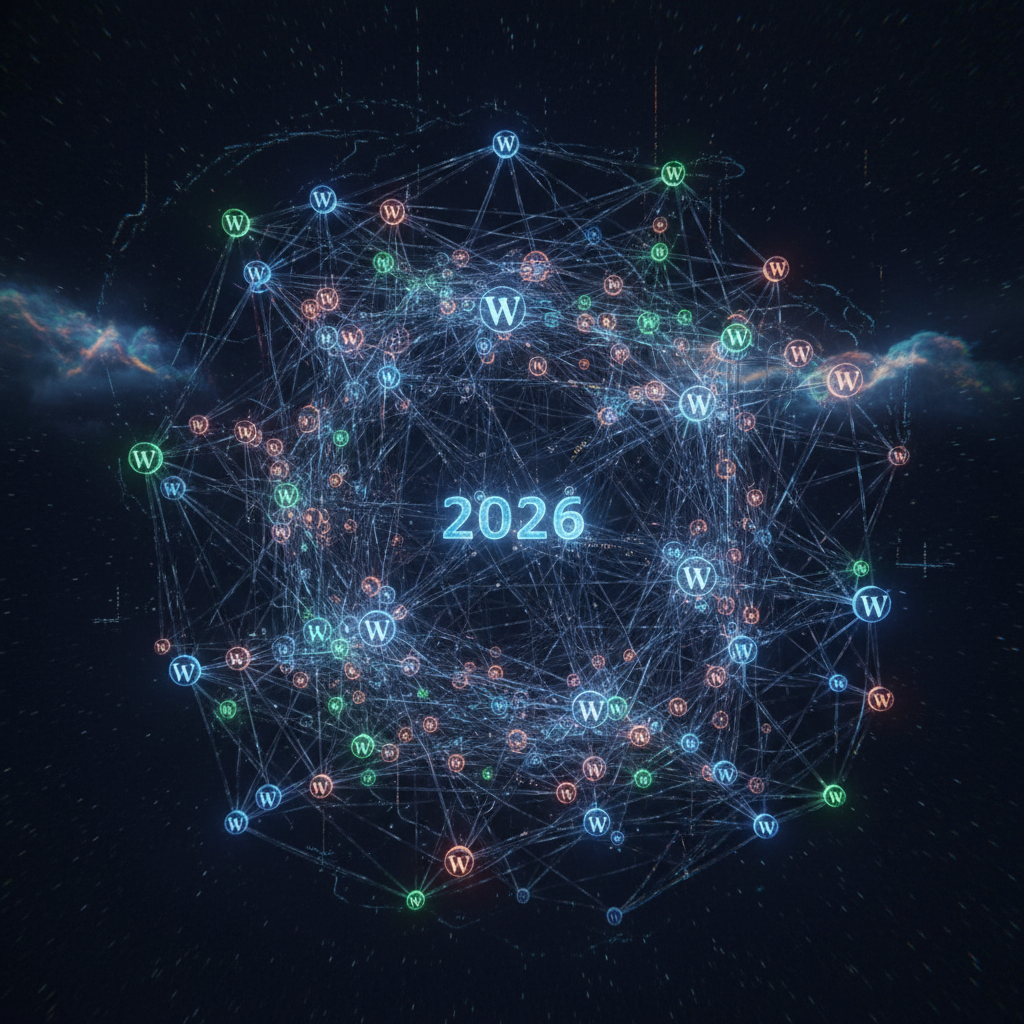
The Silent Microservices: Deconstructing WordPress Plugins as Decentralized Infrastructures in 2026
In the evolving landscape of web development, the concept of microservices has gained significant traction for its ability to enhance scalability, resilience, and maintainability. While often discussed in the context of enterprise applications, an intriguing parallel can be drawn to the WordPress ecosystem. This article delves into the notion of wordpress plugin microservices, exploring how individual plugins, despite their monolithic appearance, often function as decentralized units within a larger WordPress infrastructure. As we head further into 2026, understanding this paradigm shift is crucial for developers and site administrators alike, especially when considering the implications for security, performance, and compatibility within the vast world of WordPress.
Understanding WordPress Plugin Microservices: A 2026 Perspective
The traditional view of a WordPress plugin is a self-contained unit that adds functionality. However, a deeper analysis reveals that many complex plugins today exhibit characteristics akin to microservices. Each plugin often has a singular focus, manages its own data (or interacts with core WordPress data in a specific way), and can theoretically be updated, replaced, or removed without significantly impacting the functionality of other, unrelated plugins.
This "silent microservices" model, while not explicitly designed as such, offers both benefits and challenges. On one hand, it allows for incredible flexibility and extensibility. On the other hand, it introduces complexities related to inter-plugin communication, resource allocation, and the potential for conflicts. Recognizing the distributed nature of wordpress plugin microservices is the first step towards better managing and securing WordPress sites in 2026.
Core Principles of Plugin-as-Microservice
Several core principles underpin viewing WordPress plugins as microservices:
- Single Responsibility: Each plugin aims to solve a specific problem or add a distinct feature, much like a microservice focuses on a single business capability.
- Loose Coupling: Ideally, plugins should interact minimally and gracefully handle the absence or failure of other plugins.
- Independent Deployability (Hypothetical): While not truly independent due to their WordPress dependency, plugins can often be activated or deactivated without rebuilding the entire application.
- Data Autonomy (Partial): Many plugins manage their own custom tables or options within the WordPress database, acting as their own data store.
The Evolution of Plugin Architectures
Over the years, WordPress plugins have grown in complexity. From simple widgets to sophisticated e-commerce platforms and learning management systems, they often incorporate external APIs, third-party libraries, and intricate logic. This evolution pushes them closer to the architectural patterns seen in true microservices, where specialized components handle specific tasks.
For large-scale WordPress deployments, understanding how different wordpress plugin microservices interact is vital for performance optimization and troubleshooting. Furthermore, misconfigurations or poorly coded plugins can propagate issues across the entire site, highlighting the need for careful selection and management.
Potential Risks and Vulnerabilities in WordPress Plugin Microservices
While the architectural parallels offer benefits, they also amplify certain risks. Each plugin acting as a decentralized service introduces a new attack vector. In 2026, the sophisticated nature of cyber threats demands a proactive approach to managing the security of individual wordpress plugin microservices.
Outdated Code and Insecure Configurations
One of the most common pitfalls is neglecting plugin updates. An outdated plugin, even if it's a minor "microservice," can leave a gaping hole in your site's defenses. Similarly, insecure configurations—default passwords, exposed API keys, or broad permissions—are prime targets for attackers. Therefore, regular security audits and prompt updates are non-negotiable.
- Regular Patching: Always apply security updates as soon as they are released.
- Configuration Hardening: Follow best practices for securing plugin settings, including limiting user permissions and reviewing default options.
- Monitoring: Implement tools to monitor for suspicious activity related to specific plugins.
Excessive Permissions and Third-Party Dependencies
Many plugins require elevated permissions to function correctly. While necessary, this can be a double-edged sword. A malicious or compromised plugin with excessive permissions can wreak havoc on your entire site. Furthermore, the reliance on third-party libraries and external services within a plugin introduces supply chain risks. If a dependency is compromised, so too is your plugin, and by extension, your WordPress site.
Due diligence in researching a plugin's dependencies and scrutinizing its requested permissions should be a standard practice for anyone managing a WordPress site in 2026. This careful approach helps mitigate the risks inherent in the interconnected nature of wordpress plugin microservices. For more insights on digital supply chain risks, you can refer to discussions on supply chain security best practices by organizations like CISA.
Performance and Compatibility Challenges with WordPress Plugin Microservices
Beyond security, the distributed nature of plugins can significantly impact website performance and lead to compatibility nightmares. Each wordpress plugin microservices instance consumes resources, and an accumulation of inefficient plugins can quickly bring a site to its knees.
Resource Consumption and Bloat
Every active plugin adds overhead – database queries, PHP execution time, memory usage, and client-side scripts. When multiple plugins, each acting as a small service, are loaded simultaneously, the combined resource consumption can lead to slow page load times, affecting user experience and SEO rankings. Consequently, identifying and optimizing resource-hungry plugins or replacing them with more efficient alternatives is a continuous process.
- Performance Monitoring: Utilize tools to identify slow-performing plugins.
- Code Audit: Periodically review plugin code for inefficiencies, especially for custom-developed solutions.
- Caching Solutions: Implement robust caching to alleviate the load on your server. Information about WordPress performance optimization can often be found on resources like WordPress.org documentation.
Compatibility Conflicts and Best Practices
One of the most frustrating aspects of managing a WordPress site is encountering plugin conflicts. These occur when two or more "microservices" interfere with each other's code, leading to errors, broken functionality, or even site crashes. This often stems from conflicting JavaScript libraries, CSS styles, or even overlapping function names. Adhering to best practices for plugin development and selection can minimize these issues.
For users, regular staging environment testing before deploying updates or new plugins is crucial. Developers, on the other hand, should strictly adhere to WordPress coding standards, namespace their functions and classes, and avoid directly modifying core files, ensuring their wordpress plugin microservices play nicely with others.
Best Practices for Managing WordPress Plugin Microservices in 2026
Effectively managing WordPress plugins, viewed through the lens of microservices, requires a comprehensive strategy. From careful selection to ongoing maintenance, these best practices help maintain a secure, stable, and high-performing WordPress environment in 2026.
Strategic Plugin Selection and Auditing
Before installing any plugin, conduct thorough research. Look for plugins with a strong reputation, frequent updates, and positive reviews. Prioritize plugins that follow WordPress coding standards and offer dedicated support. After installation, periodically audit your active plugins. Remove any that are no longer essential, as unused plugins still pose a security risk and contribute to site bloat.
Consider the cumulative impact of multiple wordpress plugin microservices on your site's overall architecture. Sometimes, a single well-built plugin can replace several smaller ones, simplifying management and reducing potential points of failure. This can be analogous to the principles of efficient resource management as discussed by organizations like the Cloud Native Computing Foundation in relation to cloud resources.
Implementing Robust Security Measures
Security should be a paramount concern. Beyond keeping plugins updated, implement layered security measures. This includes using a reputable security plugin, configuring a Web Application Firewall (WAF), and regularly backing up your site. Restricting file permissions, using strong, unique passwords, and implementing two-factor authentication are also critical steps. Treat each wordpress plugin microservices instance as a potential entry point and secure it accordingly.
In 2026, automated vulnerability scanning tools for WordPress can help identify potential issues within your plugin ecosystem before they are exploited. This proactive approach is essential for modern web security.
Development and Testing Environments
Never implement new plugins or major updates directly on a live site. Always use a staging or development environment to test compatibility and functionality thoroughly. This practice allows you to catch conflicts, errors, or performance degradations before they impact your live audience. A well-maintained staging environment is indispensable for responsible WordPress management, especially when dealing with the intricate interactions of various wordpress plugin microservices.
Automated testing frameworks can further enhance this process, ensuring that any changes or additions to your plugin architecture do not introduce regressions or new vulnerabilities.
Conclusion: Harmonizing WordPress Plugin Microservices for a Robust 2026
The concept of wordpress plugin microservices, while not a conscious design choice by plugin developers, offers a valuable framework for understanding the intricacies of the WordPress ecosystem. By acknowledging that each plugin acts as a decentralized unit that adds specific functionality to the larger WordPress application, site administrators and developers can approach their management with greater insight and intention.
In 2026, the focus must be on strategic plugin selection, rigorous security practices, and careful performance optimization. Treating plugins as individual, albeit interdependent, microservices allows for a more granular approach to maintenance, troubleshooting, and risk mitigation. Embracing this perspective will be key to building and maintaining secure, stable, and high-performing WordPress websites that can withstand the evolving challenges of the digital landscape.
Frequently Asked Questions

Written by Aras Akıncılar
Uzun yıllara dayanan WordPress deneyimine sahip bir siber güvenlik uzmanı olarak, eklenti ekosisteminin derinlemesine analizine odaklanıyorum. Güvenlik açıkları, performans düşüşleri ve uyumluluk sorunları üzerine hazırladığım makalelerle, WordPress kullanıcılarının sitelerini daha güvenli ve verimli hale getirmelerine yardımcı olmayı hedefliyorum.


