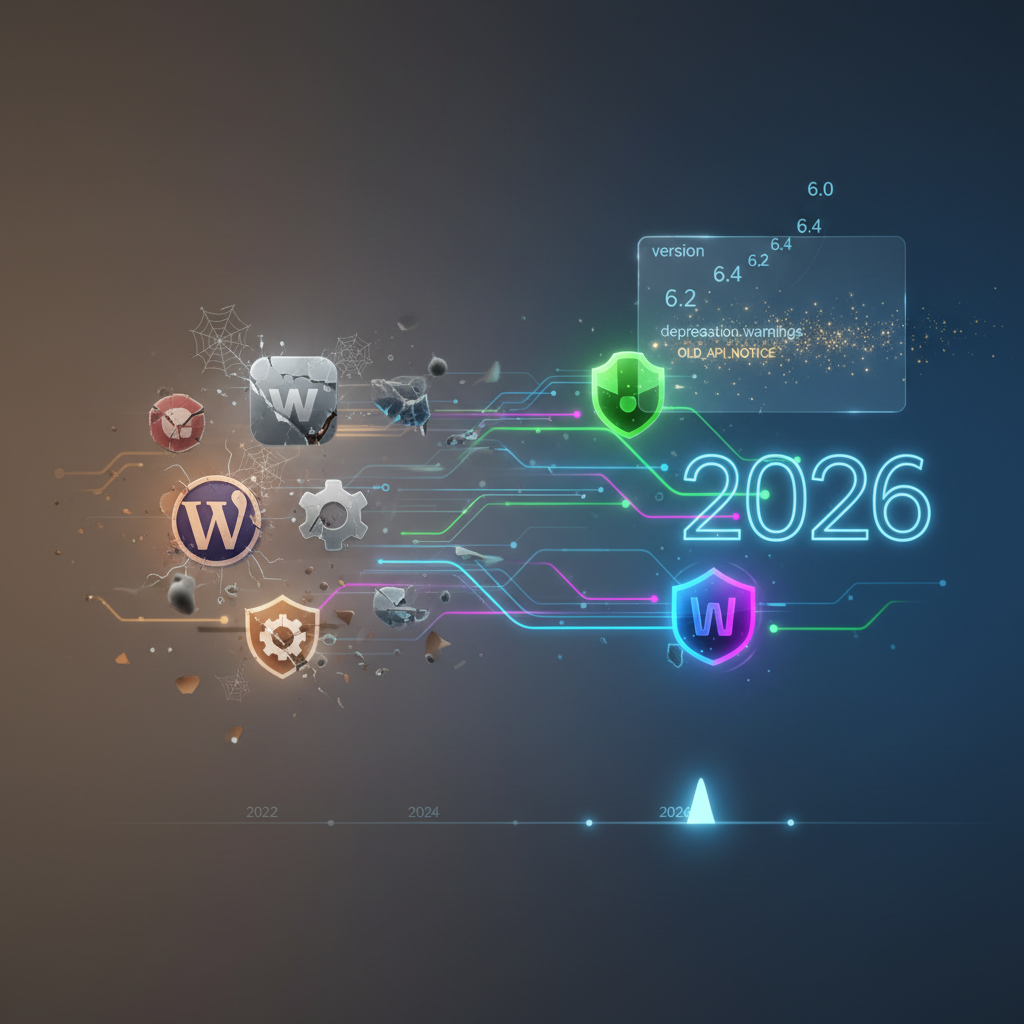
The Silent Language of Updates: How WordPress Plugin Versioning & Deprecation Strategies Impact Your Site in 2026
In the vibrant and ever-evolving landscape of WordPress development, understanding WordPress plugin versioning is more critical than ever, especially as we navigate 2026. This foundational practice, often overlooked by everyday users, plays a pivotal role in maintaining the security, stability, and performance of countless websites worldwide. Without proper versioning, tracking changes, resolving bugs, and ensuring compatibility with the latest WordPress core updates would be a chaotic and ultimately impossible task. This article will delve deep into the intricacies of plugin versioning, its impact on your site, and crucial deprecation strategies you need to be aware of.
The Core Importance of WordPress Plugin Versioning
WordPress plugin versioning isn't just a numbering scheme; it's a critical communication tool between developers and users. Each version number signals changes, fixes, and new features, guiding users on when and how to update. In 2026, with the rapid pace of web technology, ignoring versioning details can lead to significant problems, from minor glitches to full-blown site outages.
Understanding Semantic Versioning (SemVer) for WordPress Plugins
Many reputable WordPress plugins adhere to Semantic Versioning (SemVer), a widely adopted standard. This system uses a three-part number: MAJOR.MINOR.PATCH.
- MAJOR: Increments indicate incompatible API changes. This means an update might break existing functionality on your site.
- MINOR: Increments signal new features added in a backward-compatible manner. These updates are generally safe to apply.
- PATCH: Increments signify backward-compatible bug fixes. These are typically the safest updates.
Understanding these distinctions empowers website administrators to make informed decisions about when to update and what to expect. Properly managed WordPress plugin versioning ensures a smoother update process. For a deeper dive into plugin health, consider exploring Future-Proofing Your WordPress: Essential Plugin Auditing Strategies for 2026.
Why Manual Review of Release Notes is Crucial in 2026
While automatic updates are convenient, particularly for patch releases, a careful review of release notes (changelogs) is indispensable for major and even minor version changes. These notes detail exactly what has been altered, allowing you to anticipate potential conflicts or necessary adjustments. In 2026, relying solely on automated updates without understanding the underlying changes can introduce unforeseen issues, especially regarding third-party integrations or custom code.
The Risks of Outdated Plugins and Poor WordPress Plugin Versioning
One of the most persistent threats to any WordPress site is the use of outdated plugins. This often stems from a lack of understanding or poor management of WordPress plugin versioning. An outdated plugin can be a gaping security vulnerability, a performance bottleneck, or a source of frustrating compatibility issues.
Security Vulnerabilities: A Top Concern
Attackers constantly scan for known vulnerabilities in older plugin versions. When a vulnerability is discovered and patched by a developer, the fix is released in a new version. If you're not updating, you're leaving your digital doors wide open. In 2026, with sophisticated cyber threats on the rise, this is an unacceptable risk. A well-versioned plugin will clearly indicate security patches in its changelog. To understand this further, read about WordPress Plugin Vulnerabilities and Protection.
Performance Degradation and Site Speed
Older plugins may not be optimized for the latest WordPress core features, PHP versions, or server technologies. This can lead to inefficient code execution, increased resource consumption, and ultimately, a slower website. Modern WordPress plugin versioning often includes performance enhancements with newer releases. Learn about identifying issues in The Silent Sabotage: Unmasking CPU Hogs and Memory Leaks in WordPress Plugins (2026).
Compatibility Nightmares
WordPress core itself undergoes frequent updates. Plugins must keep pace to ensure full compatibility. An outdated plugin might cease to function correctly, conflict with other plugins, or even break your entire site after a core WordPress update. This is why paying attention to the version numbers and testing updates in a staging environment is paramount.
Strategies for Managing WordPress Plugin Versioning Effectively
Proactive management of your plugins is key to a robust and secure WordPress site. This involves a combination of best practices and strategic planning, always keeping WordPress plugin versioning in mind as a guiding principle.
Regular Audits and Updates
Schedule regular audits of your installed plugins. Remove any that are no longer in use, are abandoned by their developers, or have poor reviews. Prioritize updates, starting with patch releases, then minor releases, and finally major releases, always backing up your site beforehand. Tools exist in 2026 to help automate this process, but vigilance is still required.
Staging Environments: Your Testing Ground
Never update a live production site without testing the updates in a staging environment first. A staging site is a clone of your live site where you can safely apply updates, test for compatibility issues, and resolve any conflicts before pushing changes to your audience. This is particularly crucial for major WordPress plugin versioning changes.
Backup, Backup, Backup!
Before any significant update, always perform a full site backup. This includes your database and all your WordPress files. Should an update go awry, you can quickly restore your site to a working state without significant downtime. Various backup plugins and hosting providers offer robust solutions in 2026. For further insights into maintaining site health after deactivation, refer to The Ghost in the Machine: Unmasking Digital Residues & Zombie Processes from Deactivated WordPress Plugins (2026).
Deprecation Strategies: What Happens When a Plugin Reaches End-of-Life?
Just like any software, WordPress plugins have a lifecycle. Eventually, plugins may be deprecated, meaning their developers cease active development, support, or security patches. Understanding deprecation strategies is as important as understanding WordPress plugin versioning.
Identifying Deprecated Plugins
Developers usually signal deprecation through official announcements, notices within the plugin's WordPress.org page, or by explicitly stating it in their changelog or documentation. A lack of recent updates (especially in 2026) can also be a strong indicator that a plugin is no longer actively maintained. Resources like WPScan Vulnerability Database can also help identify plugins with known security issues or abandonment.
The Risks of Using Deprecated Plugins
Continuing to use a deprecated plugin exposes your site to significant risks:
- Security Vulnerabilities: No more security patches means any new vulnerability discovered will remain unaddressed.
- Compatibility Issues: The plugin will inevitably break with future WordPress core updates or PHP versions.
- Lack of Support: If something goes wrong, there's no official channel for assistance.
- Performance Degradation: Outdated code won't benefit from modern optimizations.
Choosing Wisely: Best Practices for Plugin Selection in 2026
The best defense against plugin-related issues is to choose your plugins carefully from the outset. Consider these factors:
- Reputation and Reviews: Look for plugins with high ratings, numerous active installs, and positive user reviews.
- Active Development: Check the "Last Updated" date. A recently updated plugin (within the last few months for 2026) indicates active development and adherence to modern WordPress plugin versioning practices.
- Developer Support: Good developers provide active support in forums or through dedicated channels. Observe how quickly they respond to issues.
- Compatibility: Ensure the plugin explicitly states compatibility with the latest WordPress core and your required PHP version.
- Detailed Changelog: A clear and detailed changelog is a hallmark of good WordPress plugin versioning.
- Lightweight Code: Avoid plugins that are overly complex or add unnecessary bloat to your site.
In conclusion, mastering WordPress plugin versioning and understanding deprecation strategies are non-negotiable for anyone serious about managing a secure, high-performing WordPress website in 2026. By paying close attention to version numbers, diligently reviewing changelogs, testing updates in staging environments, and making informed decisions about plugin lifecycle, you can safeguard your site against common threats and ensure a smooth, reliable online presence. The silent language of updates speaks volumes about the health of your WordPress installation – listen closely. For comprehensive advice on securing your installations, read Navigating the WordPress Plugin Minefield: A Guide to Secure & Stable Integrations in 2026.
Frequently Asked Questions

Written by Aras Akıncılar
Uzun yıllara dayanan WordPress deneyimine sahip bir siber güvenlik uzmanı olarak, eklenti ekosisteminin derinlemesine analizine odaklanıyorum. Güvenlik açıkları, performans düşüşleri ve uyumluluk sorunları üzerine hazırladığım makalelerle, WordPress kullanıcılarının sitelerini daha güvenli ve verimli hale getirmelerine yardımcı olmayı hedefliyorum.


